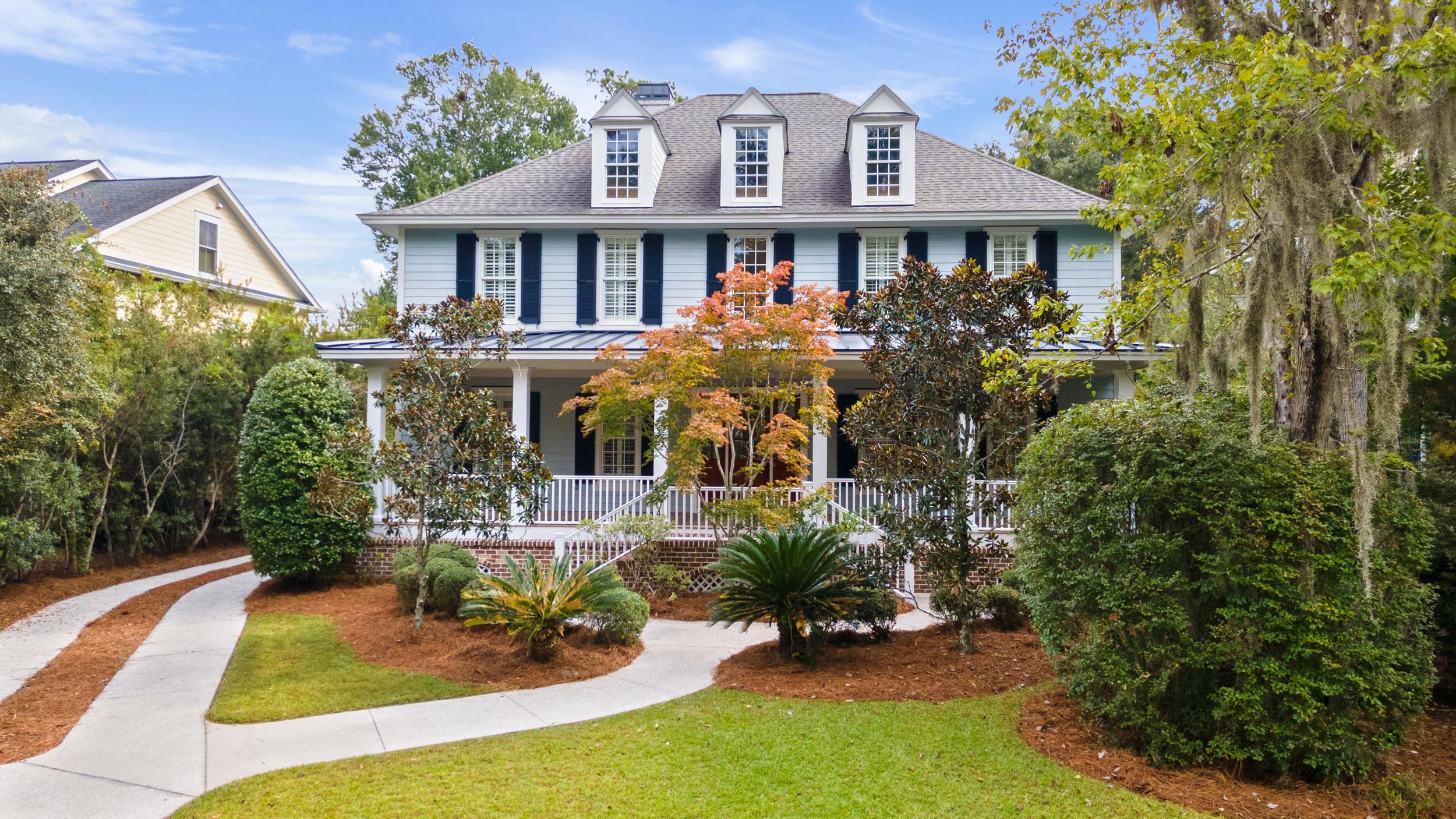
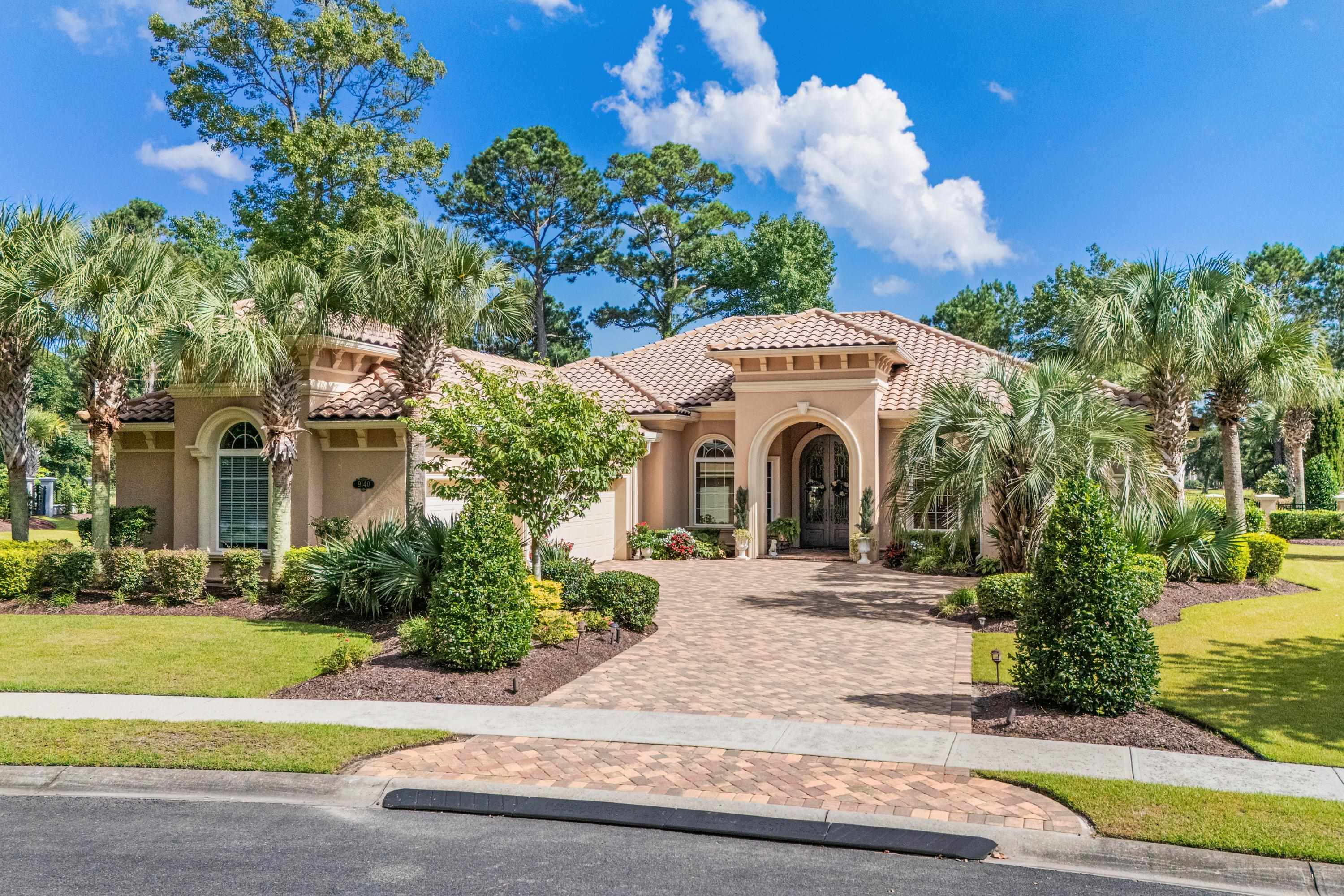
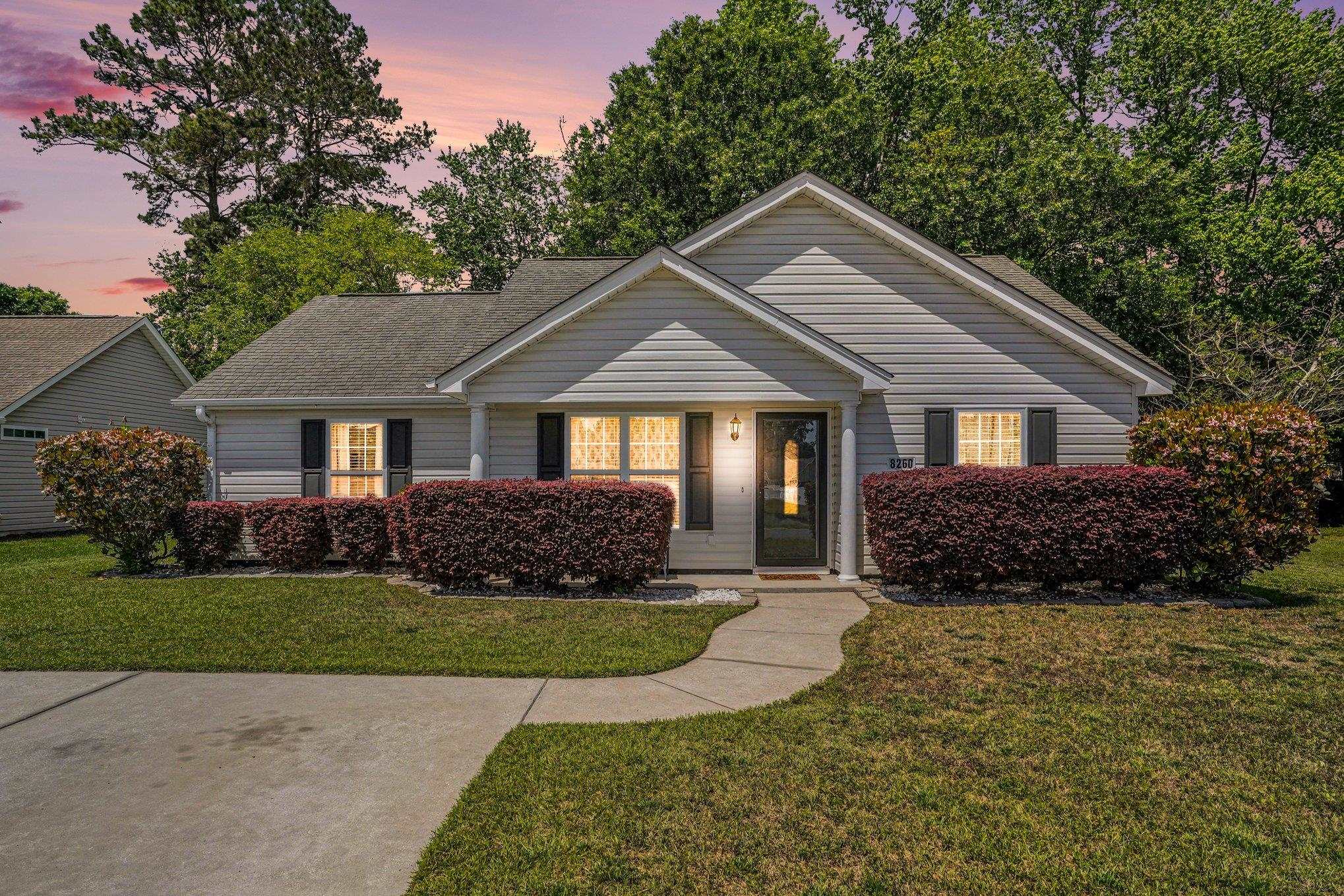
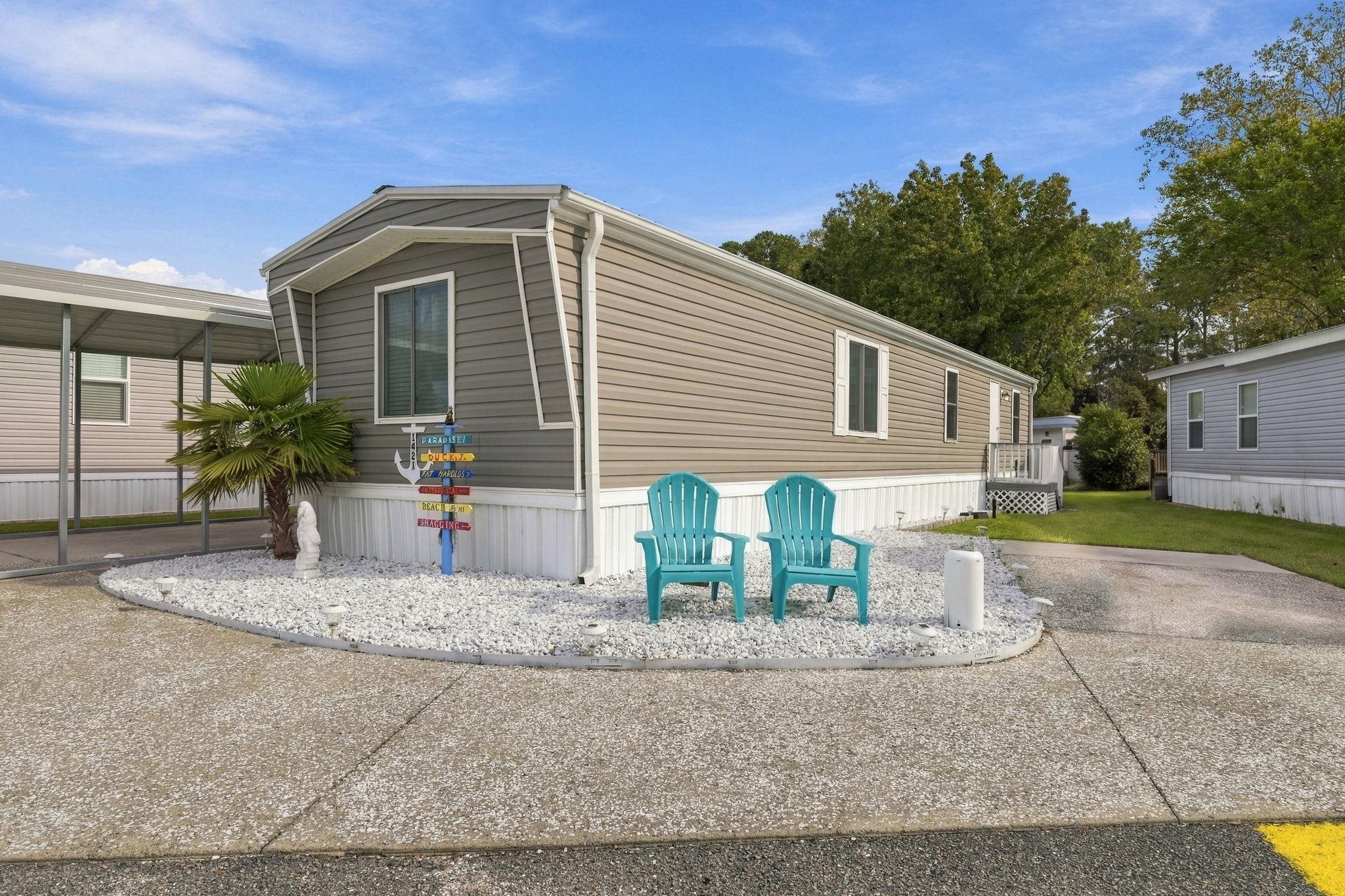
How do I start a home search?
Choose a location and price range, or describe the home you want in the search box. Use clear details such as bedrooms, property type and lot size. Select Show matching homes, then check the results and selected filters. A typed description is a starting point; review the choices shown rather than assuming every word became a filter.
Use the search controls and Show matching homesHow can I narrow or change my results?
Use the controls to combine the location, price, bedrooms, baths and property type you want. Open the other filters for more choices. Some options depend on listing data and can be unavailable. Check the selected values before showing results. If the search is too narrow, change one choice at a time so you can see what makes a difference.
Review the search controls and selected filtersCan I look for land, manufactured homes or new homes?
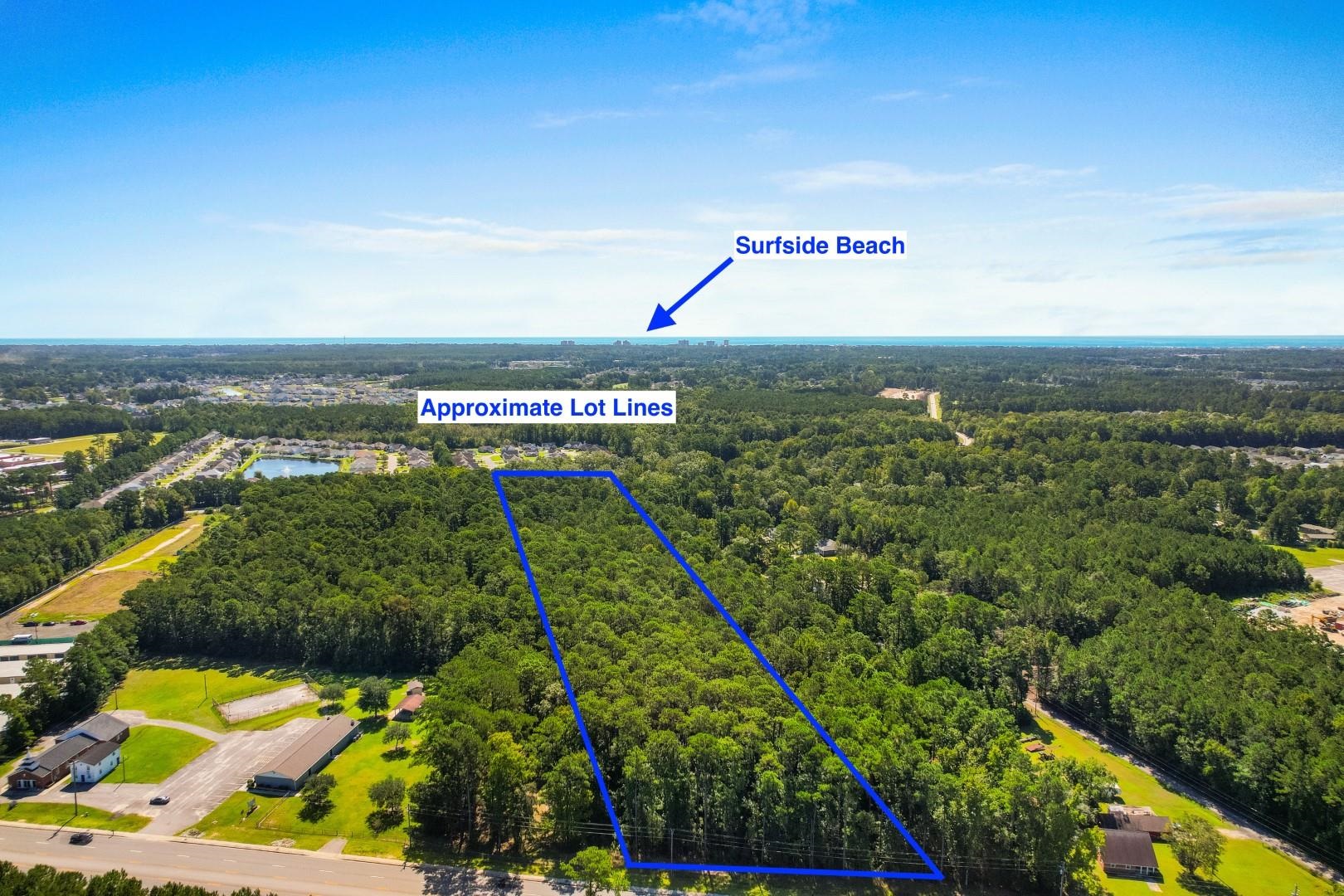
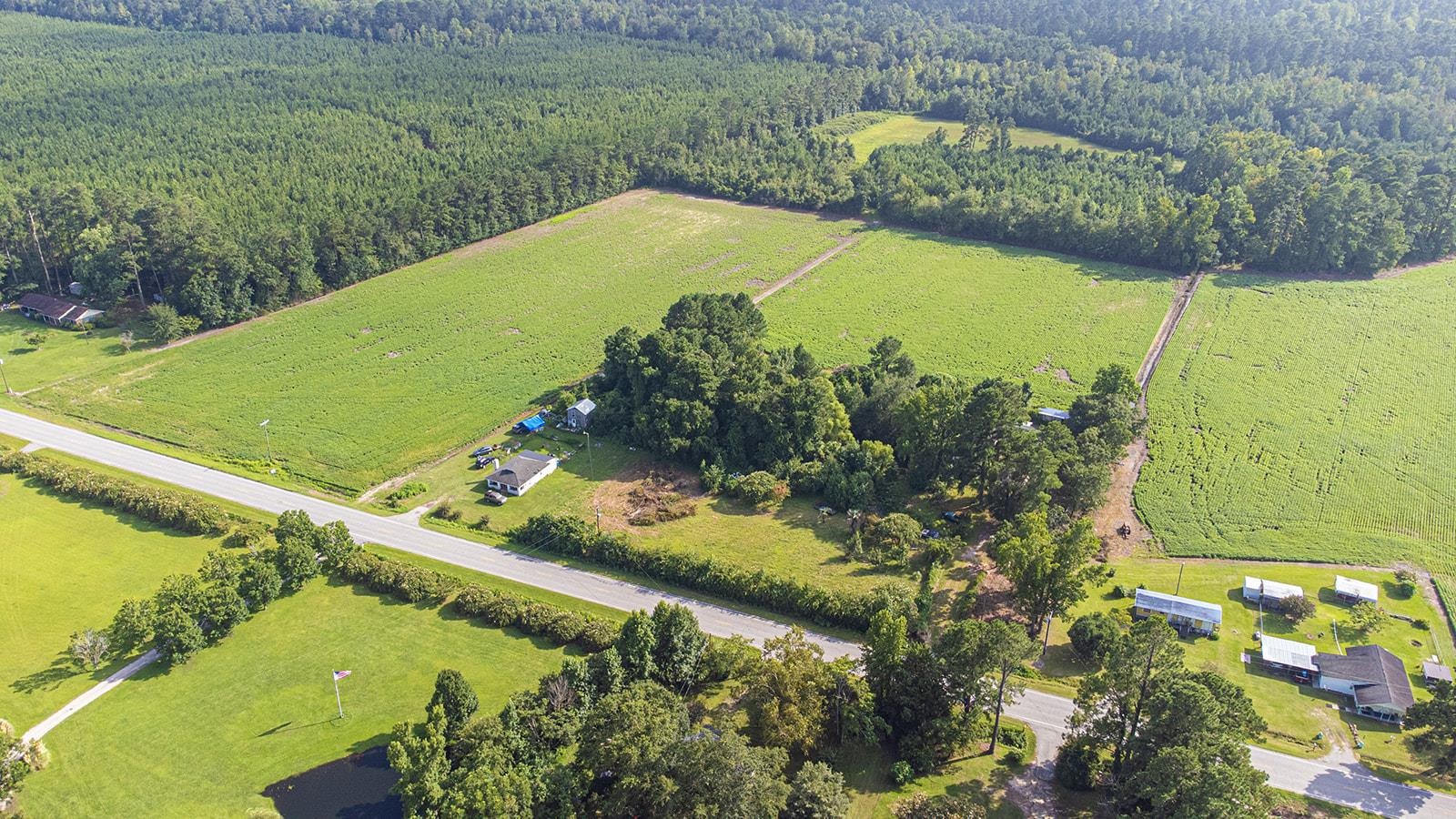
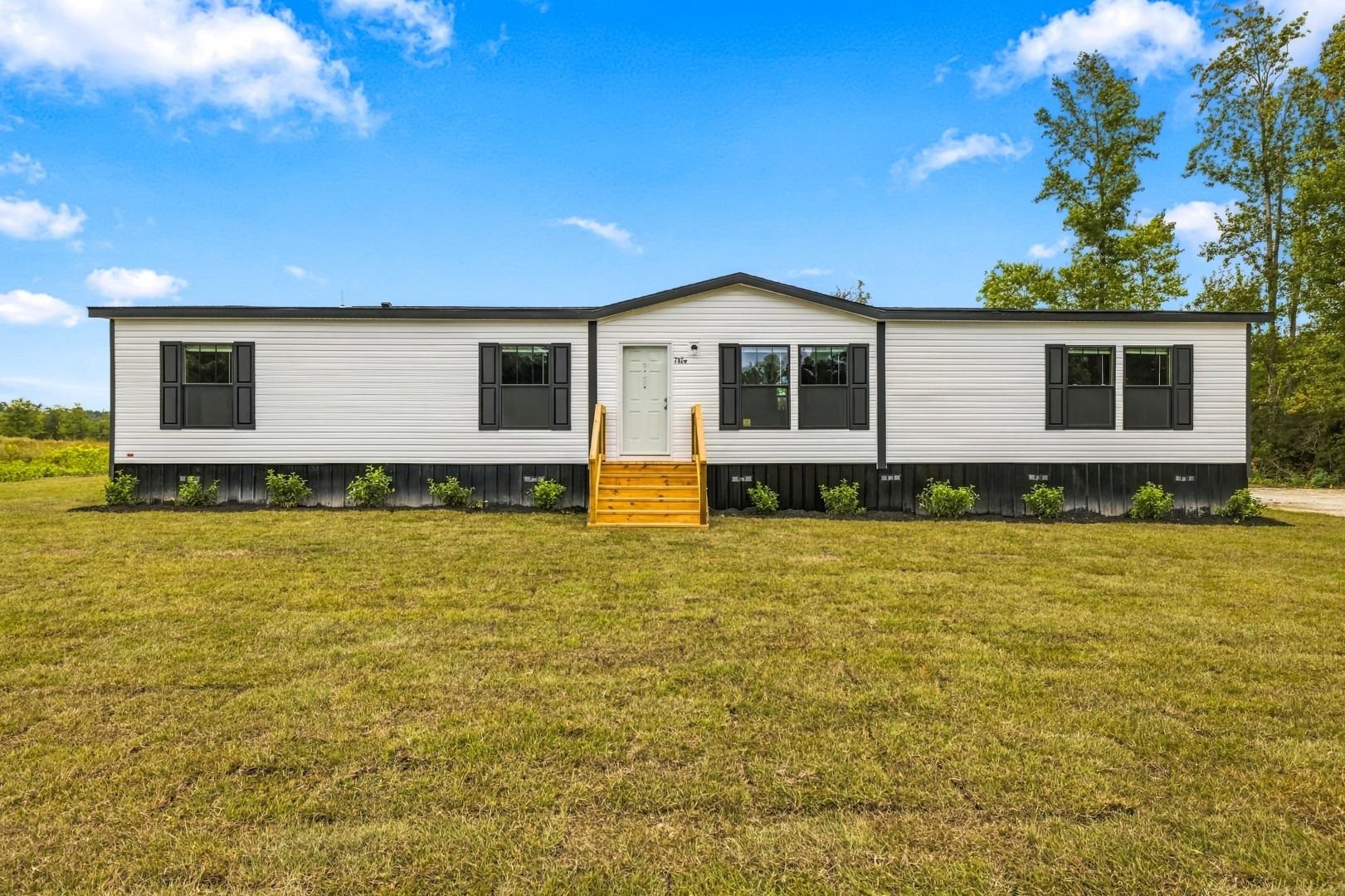
Choose the property type that fits your plans. The search has separate choices for land and for manufactured homes on owned or leased land. Use the New Construction choice for listed new homes, or open the new-home page to compare builders. Check the exact listing’s details; a search choice does not establish land ownership, fees or building progress.
Use Property Type or explore new constructionWhat if no homes appear or a filter is unavailable?
No matching results and unavailable listing information mean different things. Check any message on the page and the filters you selected. If the results are empty, consider changing a filter. If information is unavailable, do not treat it as a count of zero. An empty search does not prove there are no homes for sale outside its choices.
Check the results message and search controlsHow do I return to a search after opening a home?
Check your selected filters before opening a listing. Use the listing’s return-to-search option when it is shown, or your browser’s Back button, then review the filters again. A shared search link can carry public search choices, but it does not freeze the results. Listings and their details can change between visits.
Review the selected search when you returnWhat should I confirm about a home I like?
Read the exact listing and ask about details important to your plans, such as price, condition, fees and whether the home is still available. A listing label or selected filter is not a separate confirmation of those facts. For school assignment or permitted property uses, check the exact address with the authority responsible for that question.
Open the exact listing or ask a home-search question