How do I choose someone from the team?
Read each team member's role and any bio on their card, then ask about the kind of help you need. The page shows advisors and operations staff separately. A card is a starting point for a conversation, not proof that one person is the best fit for every home or transaction.
What does Shop with an advisor do?
For an advisor who has this option, Shop with opens that advisor's public home-shopping page. You can start browsing there. Opening it does not by itself confirm who will handle a later inquiry; an existing client relationship may determine that. Ask about the person you want to work with.
How can I ask a particular team member a question?
Choose Message or Contact on that person's card. It opens a message form for that team member, where you can explain your question. For a question about a home, include the listing or address if you have it. Sending a message does not guarantee who will reply or when.
Why does a card say Team line?
If a card lists a direct number for that person, its call button uses that number. Otherwise, the button is labeled Team line. Check the displayed number before calling. The label does not promise who will answer or when someone will return a call.
What do the Homes Sold examples show?
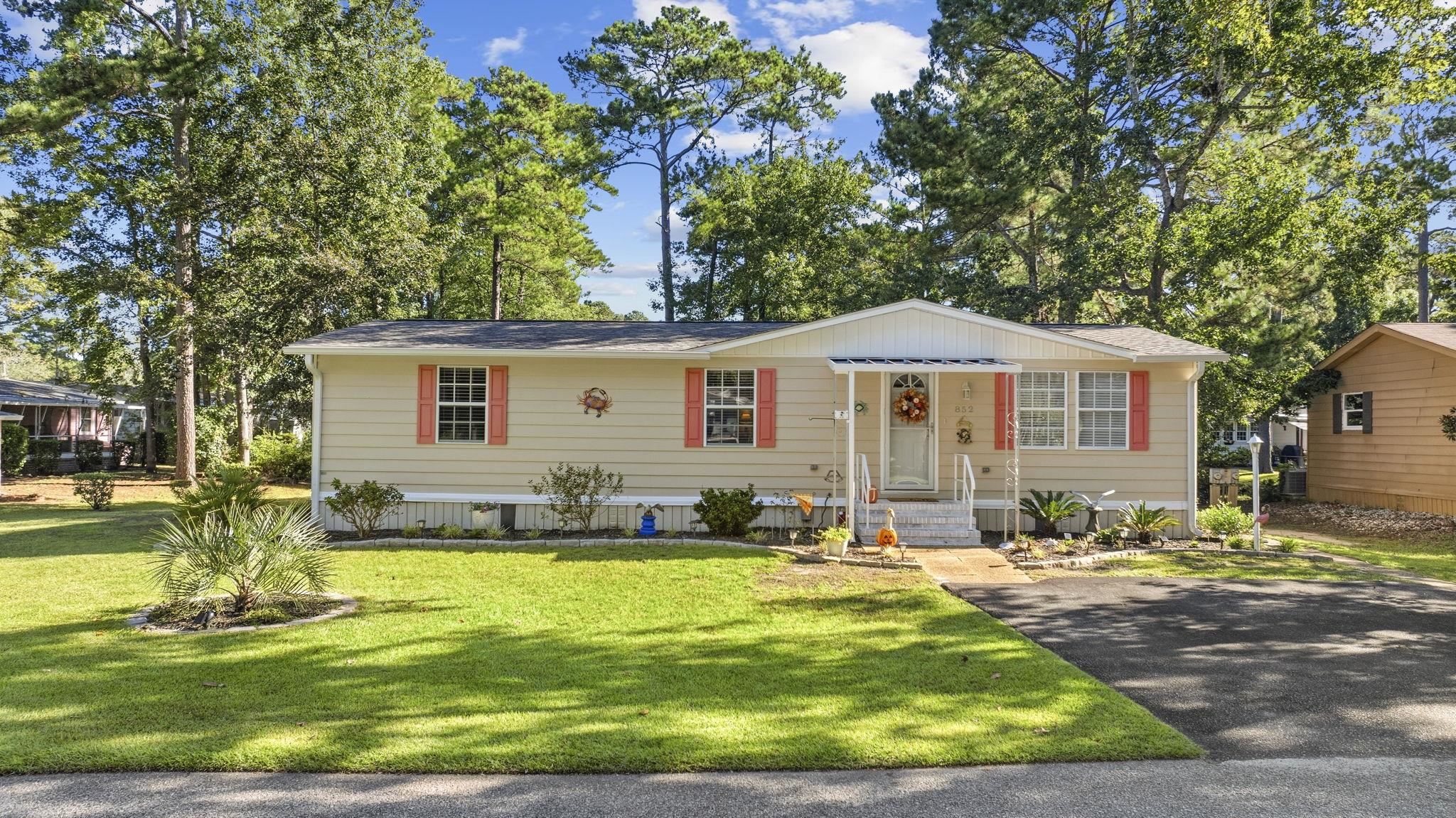
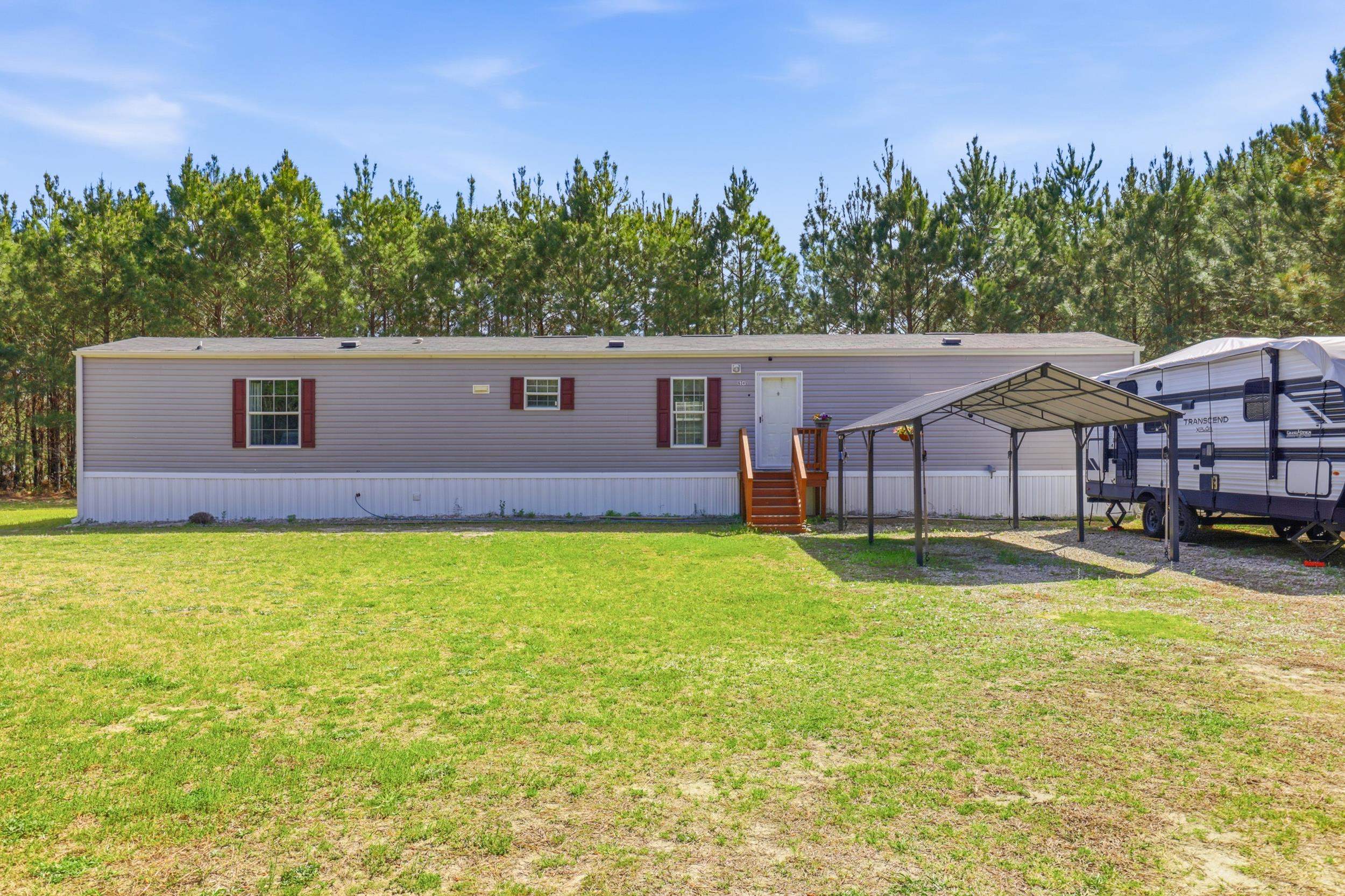
The examples lead to a separate history of closed homes connected to The Forturro Group or its current advisors, including work at prior brokerages. When a represented-side label is shown, it describes the sale record. These are closed sales; use Search to check homes offered for sale now.
Where can I see homes for sale now?
The current-home section below the team may show active listings when data is available. Read any status message if no cards appear; missing cards do not establish that there are zero homes for sale. Open Search and check any message there. When Search is available, you can choose your own location and filters.
Search current homes